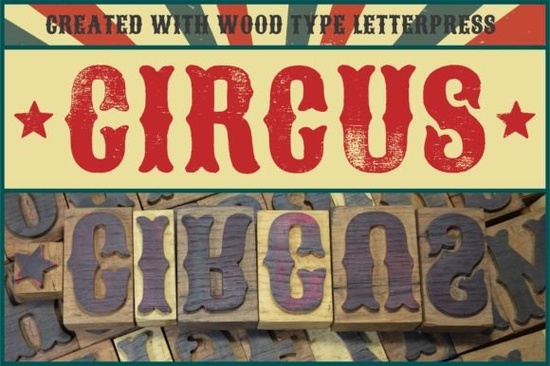
When you want your design to feel like it was stamped by hand, digital perfection usually gets in the way. The Circus Font solves this by bringing actual physical texture to your screen. Every single letter was originally carved from wood, pressed onto paper, scanned, and carefully digitized. This means you get the authentic ink bleed, uneven edges, and tactile charm of a vintage letterpress, rather than a sterile vector graphic. It bridges the gap between traditional printing methods and modern digital design.
Why choose a physical letterpress typeface over standard digital fonts?
Standard digital fonts are useful for body text, but they often lack character when used for large headers or logos. A typeface born from a physical letterpress carries the imperfections of the real world. You can clearly see the slight variations in ink density and the rough edges where the wooden block met the paper. If you are currently browsing through other decorative display options for your next poster or branding project, you will quickly notice that authentic textures instantly make a design feel more established and handcrafted. Customers often respond better to designs that feel human-made rather than mass-produced by a computer.
What kinds of projects benefit most from woodblock textures?
Because of its bold, vintage carnival aesthetic, this specific typeface shines in projects that need a nostalgic, rustic, or playful vibe. It is certainly not meant for long paragraphs or fine print. Instead, it works best when you need to grab attention quickly and set a specific mood. Here are a few ways crafters and small business owners use this style of typography:
- Print-on-demand apparel: T-shirts, hoodies, and tote bags featuring short, punchy slogans or retro graphics.
- Event branding: Posters for local fairs, indie music festivals, craft beer launches, or farmer's markets.
- Packaging design: Product labels for artisan coffee roasters, small-batch hot sauces, or handmade soaps.
- Scrapbooking and card making: Physical crafting projects where a stamped, distressed look adds to the overall handmade feel.
How do you get the best results when setting text with textured fonts?
Working with scanned letterpress fonts requires a slightly different approach than using clean, modern sans-serifs. Since the edges are already rough and detailed, you need to give the letters plenty of room to breathe on the canvas.
- Increase your tracking: Add a little extra space between the individual letters so the ink blots do not merge into one another and become illegible.
- Limit your color palette: Stick to two or three high-contrast colors, like cream and charcoal or mustard yellow and navy, to mimic traditional ink pressed onto thick paper.
- Avoid scaling down too much: If you make the text too small, the beautiful woodgrain and ink textures will turn into muddy, unreadable pixels. Keep it large and bold.
Is this typeface easy to install and use for beginners?
Absolutely. Even if you are just starting out with Cricut cutting machines or basic design software like Canva and Silhouette Studio, installing a new typeface is a straightforward process. Once installed on your operating system, it behaves just like any other font on your computer. The main difference is purely visual. You might find that you need to adjust the line height slightly in your design program. The tall ascenders and deep descenders typical of vintage display fonts can easily overlap if the text lines are placed too close together.
Final checklist before exporting your design
Before you finalize your next design project and send it to the printer, run through this quick checklist to ensure your textured typography looks its absolute best:
- Double-check your spelling before converting the text to outlines or paths, as editing textured letters later is incredibly difficult.
- Test print a small section on your actual paper, cardstock, or transfer material to see how the rough edges hold up in physical form.
- Pair your display text with a clean, simple serif or sans-serif for your secondary information to create a strong, readable visual contrast.
- Save and export your final file in a high-resolution format, like a 300 DPI PNG or PDF, to preserve all the subtle ink details and woodcarved edges.
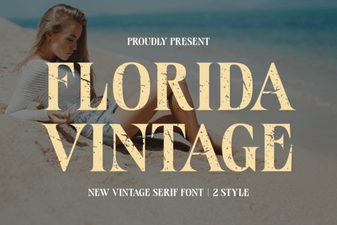 Vintage Florida Fonts for Your Creative Projects
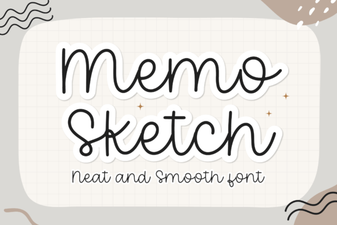 Memo Sketch Font for Creative Design Projects
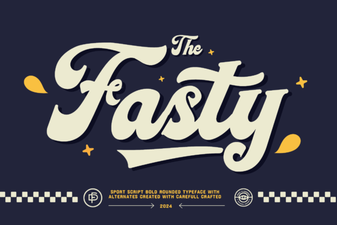 Fasty Font: Design-Friendly Web Typography
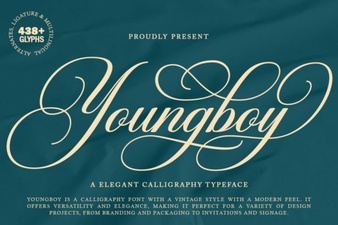 Design a Logo with the Youngboy Font
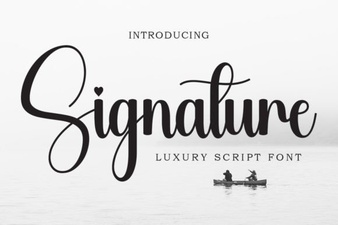 Signature Fonts for Personal Style & Creative Projects
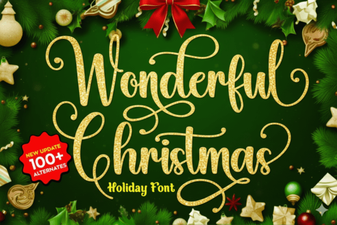 Beautiful Christmas Fonts for Your Holiday Designs