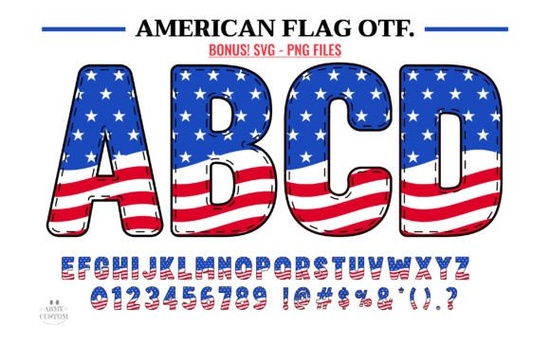
If you are designing merchandise for the Fourth of July, Veterans Day, or everyday patriotic apparel, finding the right typography is essential. The American Flag Font brings a bold, stars-and-stripes aesthetic directly into your design workspace. This typeface is built for crafters, print-on-demand sellers, and small business owners who want to add a strong nationalistic touch to their t-shirts, mugs, and posters without spending hours drawing custom lettering.
Whether you are cutting vinyl decals for a family reunion or printing canvas tote bags for a local parade, having a reliable, themed typeface saves time and keeps your branding consistent. It gives your work an immediate visual identity that resonates with customers looking for classic, heritage-inspired goods.
What projects work best with patriotic typography?
This specific typeface shines when used on items that celebrate national holidays, military appreciation, or classic Americana. Because the letters are detailed and visually heavy, they work best as the main focal point of your design rather than as body text.
Here are a few ways crafters and small businesses use this style of lettering:
- Apparel and T-shirts: Large, bold words across the chest for Independence Day events or family vacation shirts.
- Home Decor: Wooden signs, throw pillows, and wall decals featuring classic quotes or family names.
- Drinkware: Enamel mugs, tumblers, and coasters tailored for summer barbecues and camping trips.
- Paper Crafts: Scrapbooking layouts, greeting cards, and party invitations for holiday gatherings.
If you want to mix things up and offer a wider variety of summer merchandise to your customers, you might also pair this with a bright multicolor typeface to create vibrant, festival-ready designs that stand out in a crowded market.
How do I use the color and black versions in my software?
One of the most common questions crafters have is whether a specific file will work with their cutting machine or design software. This download includes both a solid black version and a full-color version, but they behave differently depending on the program you use.
The Black Version
This is your go-to file for physical crafting. It is fully compatible with Cricut Design Space and other standard electronic cutting machines. If you are cutting heat transfer vinyl or adhesive vinyl, always use the black version to ensure clean cut lines and easy weeding.
The Color Version
The multicolor version is designed for digital printing and graphic design. It works beautifully in programs like Adobe Photoshop, Illustrator, Silhouette Studio, and Inkscape. However, the OTF and TTF files for the color version are not compatible with Cricut Design Space. If you try to upload the color file to a cutting machine, it will likely fail to read the layers correctly.
Which design programs support multicolor typefaces?
Working with multicolor typography requires software that can read OpenType-SVG or COLR font formats. If you are strictly a Cricut user, you will need to stick to the solid black files for cutting, but you can use the color files to create the digital mockups for your online store listings.
For those who design primarily for print-on-demand or digital downloads, programs like Adobe Illustrator and Photoshop will render the stars and stripes directly inside the letterforms. Silhouette Studio and Inkscape also support these color layers, making them excellent, budget-friendly alternatives for hobbyists and small business owners.
When browsing for more themed options for your shop, you can easily explore other patriotic colorful lettering choices to build a complete holiday collection for your customers.
What is the best way to install and test a new typeface?
Before you start a massive production run or list a new product in your shop, it is always smart to test how the letters connect and scale. Here is a quick checklist to make sure your files are ready to go:
- Extract the files: Always unzip your downloaded folder before trying to install the font files. Installing directly from a zipped folder causes errors.
- Install both versions: Right-click the OTF or TTF files and select install. Make sure you install both the black and color versions if your software supports it.
- Restart your software: Close and reopen your design program so it can recognize the newly installed files.
- Type a test word: Type out a long word to check the spacing and see how the detailed elements look when scaled down.
- Do a test cut: If you are using a cutting machine, cut the design on scrap paper first to ensure the intricate details do not tear during weeding.
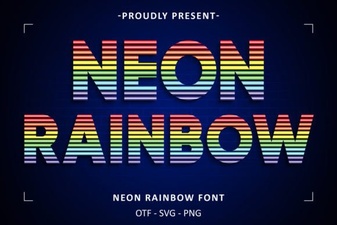 Neon Rainbow Fonts: Design Projects & Creative Ideas
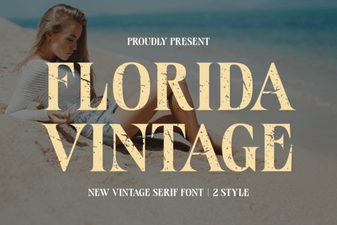 Vintage Florida Fonts for Your Creative Projects
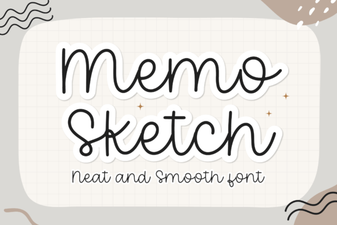 Memo Sketch Font for Creative Design Projects
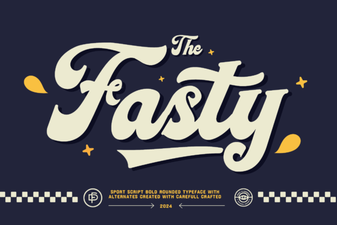 Fasty Font: Design-Friendly Web Typography
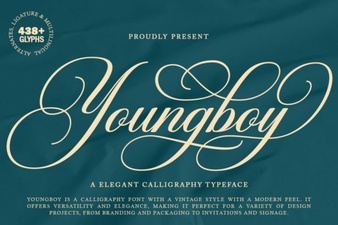 Design a Logo with the Youngboy Font
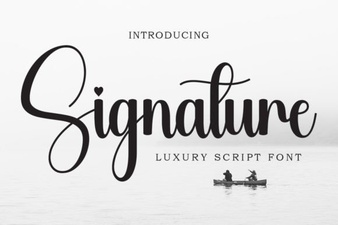 Signature Fonts for Personal Style & Creative Projects